What Are OpenAI Skills? A Plain-English Guide for Everyday Users
Posted May 19, 2026 by XAI Tech Team ‐ 7 min read
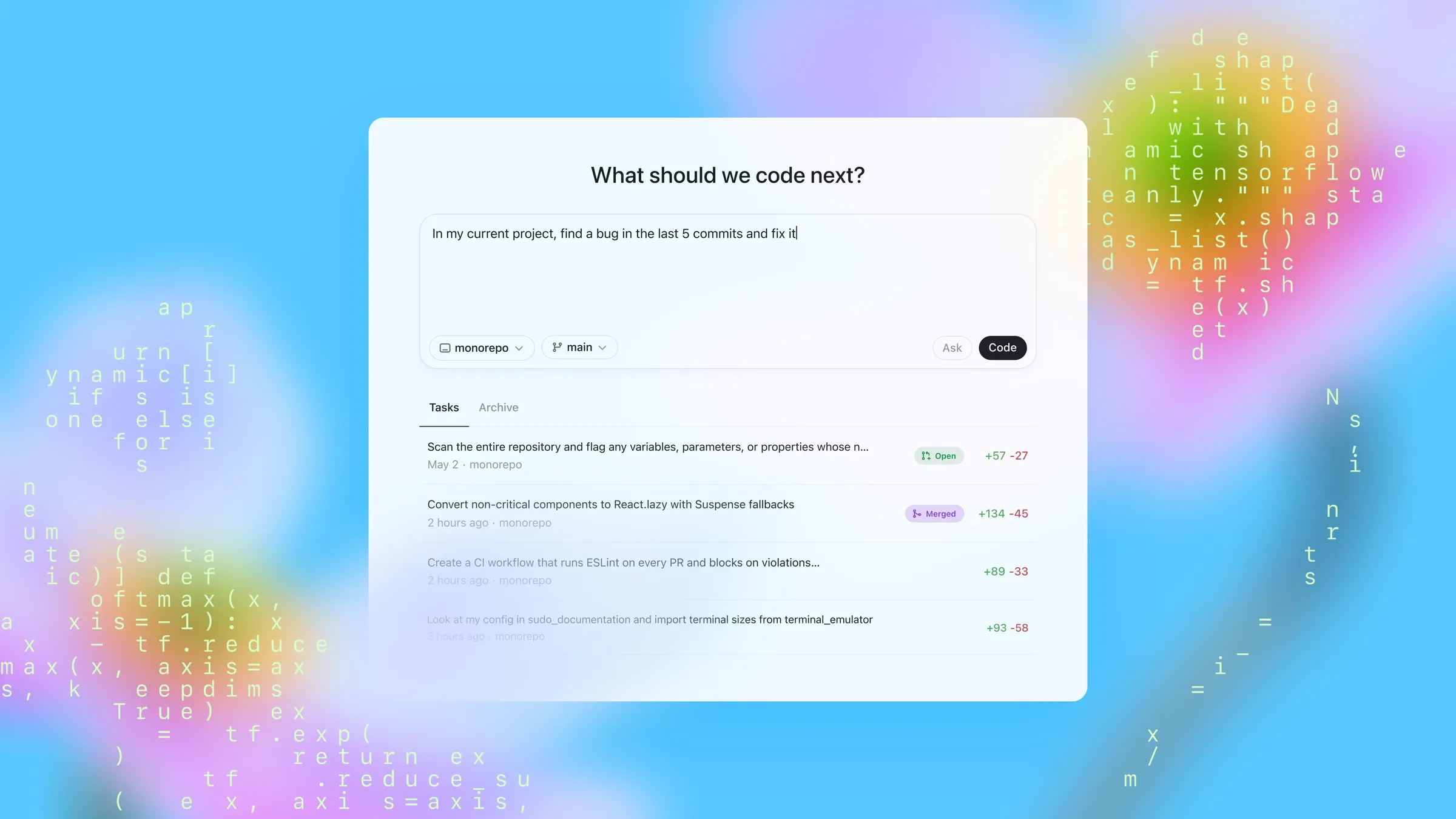
When people first land on openai/skills, it can look like just another GitHub repo full of prompt files. That is not really what it is.
In practice, skills are a way to give Codex a repeatable capability package: instructions, optional scripts, reference material, and supporting assets for a specific kind of work.
If you regularly use AI for things like:
- repeating the same workflow over and over
- asking for more consistent output instead of improvisation
- turning your own habits into something reusable
then skills are worth understanding.
openai/skills GitHub repository and the OpenAI Codex Skills documentation, checked on 2026-05-19. At the time of review, the repository showed 5 built-in .system skill directories and 38 additional .curated skill directories.Six quick takeaways
- A skill is not a new model. It is a reusable workflow package for Codex.
- It is more than a prompt. A skill can include instructions, scripts, references, and assets.
- The easiest way to start is to install an existing skill and call it directly in Codex.
- Skills can be triggered explicitly or implicitly. You can mention one by name, or Codex can choose it based on the task.
- Built-in skills come with Codex, and more curated ones can be installed with
$skill-installer. - If you want long-term reuse, start with a skill first. Package it as a plugin later if you need distribution.
What a skill actually is
OpenAI's docs describe skills as a way to extend Codex with task-specific capabilities.
In plain English, a skill is:
a saved method for doing a certain kind of work well.
Instead of re-explaining that method every time, you put it in a folder Codex can understand.
That folder usually contains:
SKILL.md: the main instructions and metadatascripts/: optional executable helpersreferences/: optional background docsassets/: optional templates or resources
The simplest structure looks like this:
my-skill/
  SKILL.md
  scripts/
  references/
  assets/
That is why a skill is not just a "better prompt." It is a small reusable workflow unit.
How skills differ from prompts and plugins
This is the part most people confuse at first.
1. A prompt is disposable
A normal prompt is great for a one-off request:
Rewrite this paragraph to sound more conversational.It works, but next time you often have to explain yourself again.
2. A skill is for repeatable work
Skills make more sense when the job keeps coming back:
- investigate why CI failed
- summarize meeting notes into a weekly update
- inspect a PDF for layout problems
- manage issues in Linear
In those cases, the main value is consistency. The workflow is already defined.
3. A plugin is the installable distribution layer
OpenAI's docs are clear on this point:
skills are the authoring format, plugins are the installable distribution unit.
A simple way to think about it:
- use a
skillwhile designing and refining the workflow - use a
pluginwhen you want to package and distribute that workflow
So the openai/skills repo is best understood as a capability library, not an app store.
How normal users can start using skills
Step 1: know that this is a real product surface
According to the official docs, skills are available in:
- the Codex CLI
- the IDE extension
- the Codex app
So this is not a hidden expert-only feature.
Step 2: start with an existing skill
The openai/skills repository has two main categories:
.system: built-in skills that ship with Codex.curated: extra curated skills you can install
At the time of review, the built-in list included:
imagegenopenai-docsplugin-creatorskill-creatorskill-installer
If you want to install a curated skill, the official recommended path is to use the installer inside Codex. For example:
$skill-installer linearThe docs also say the installer can fetch skills from other GitHub repositories. If a newly installed skill does not show up right away, restart Codex.
Step 3: use it explicitly or let Codex choose it
OpenAI documents two activation paths:
- Explicit invocation: you call the skill directly
- Implicit invocation: Codex chooses the skill when the task matches its description
Explicit invocation is the easiest starting point:
Use $pdf to check whether this PDF has layout problems.Use $linear to turn this requirement into three issues and prioritize them.Use $gh-fix-ci to investigate why this PR failed in GitHub Actions.If you are not sure what is currently available, try:
/skillsOr type $ and pick from the list.
What kinds of skills are in the repository
One useful thing about openai/skills is that it already shows the direction OpenAI is taking. This is not just about coding.
1. Developer workflows and troubleshooting
Examples include:
gh-fix-ciplaywrightplaywright-interactivepdfsecurity-threat-model
These are useful because they define not only the goal, but also the working method.
2. Collaboration and project workflows
Examples include:
linearsentrynotion-knowledge-capturenotion-meeting-intelligence
This shows that Codex is expanding beyond code editing into operational and coordination work.
3. Design and content tasks
Examples include:
figmafigma-generate-designfigma-implement-designscreenshotspeechtranscribe
That matters because it shows the skill model is not only for programmers. Any workflow with a repeatable structure can potentially become a skill.
4. Deployment and release work
Examples include:
vercel-deploynetlify-deployrender-deploycloudflare-deploy
For many teams, the value here is not that Codex can "push a button." It is that release steps and checks can be standardized.
Why everyday users should care
If you only use AI occasionally for casual questions, skills are optional.
But they become much more useful once your work starts repeating.
1. You have recurring tasks
For example:
- weekly reports
- meeting summaries
- document checks
- release checklists
In those cases, a skill saves you from re-teaching the workflow each time.
2. You want more stable results
A common complaint about AI is not that it fails completely. It is that the method changes from one run to the next.
Skills help by making the process narrower, clearer, and more repeatable. If needed, they can also rely on scripts for more deterministic steps.
3. You want to preserve working knowledge
Most teams have useful know-how that lives in people's heads:
- how to write a better issue
- what to check before a release
- how to triage a production alert
- how a certain type of document should be structured
A skill is one way to turn that knowledge into something reusable.
Is it hard to make your own skill?
Not really. OpenAI already includes a built-in helper for creating one.
If you want to make your own, the official docs recommend starting with:
$skill-creatorIt helps you define:
- what the skill does
- when it should trigger
- whether it should stay instruction-only or include scripts
And if you want the smallest possible version, one SKILL.md file is enough to begin. For example:
---
name: weekly-report
description: Use when the user wants to turn rough meeting notes into a short weekly status update.
---

Read the notes, group them into progress, risks, and next steps, then write a concise weekly report in English.
Where you save it depends on scope:
- for your own use across repos:
$HOME/.agents/skills - for a specific repo or team:
.agents/skillsinside that repository
That is part of what makes the system practical: you can refine a workflow locally before deciding whether it deserves wider distribution.
Final thought
For most people, the best order is:
- install one skill that matches your real work
- use it a few times
- only then decide whether to build your own
If I had to summarize openai/skills in one sentence, it would be this:
the goal is not to give you yet another model, but to help one model keep doing useful work in a repeatable way.
Related links:
- GitHub repository: https://github.com/openai/skills
- OpenAI official docs: https://developers.openai.com/codex/skills