Codex Subagents Guide: Multi-Agent Workflows via api.xairouter.com
Posted March 16, 2026 by XAI Technical Team ‐ 8 min read
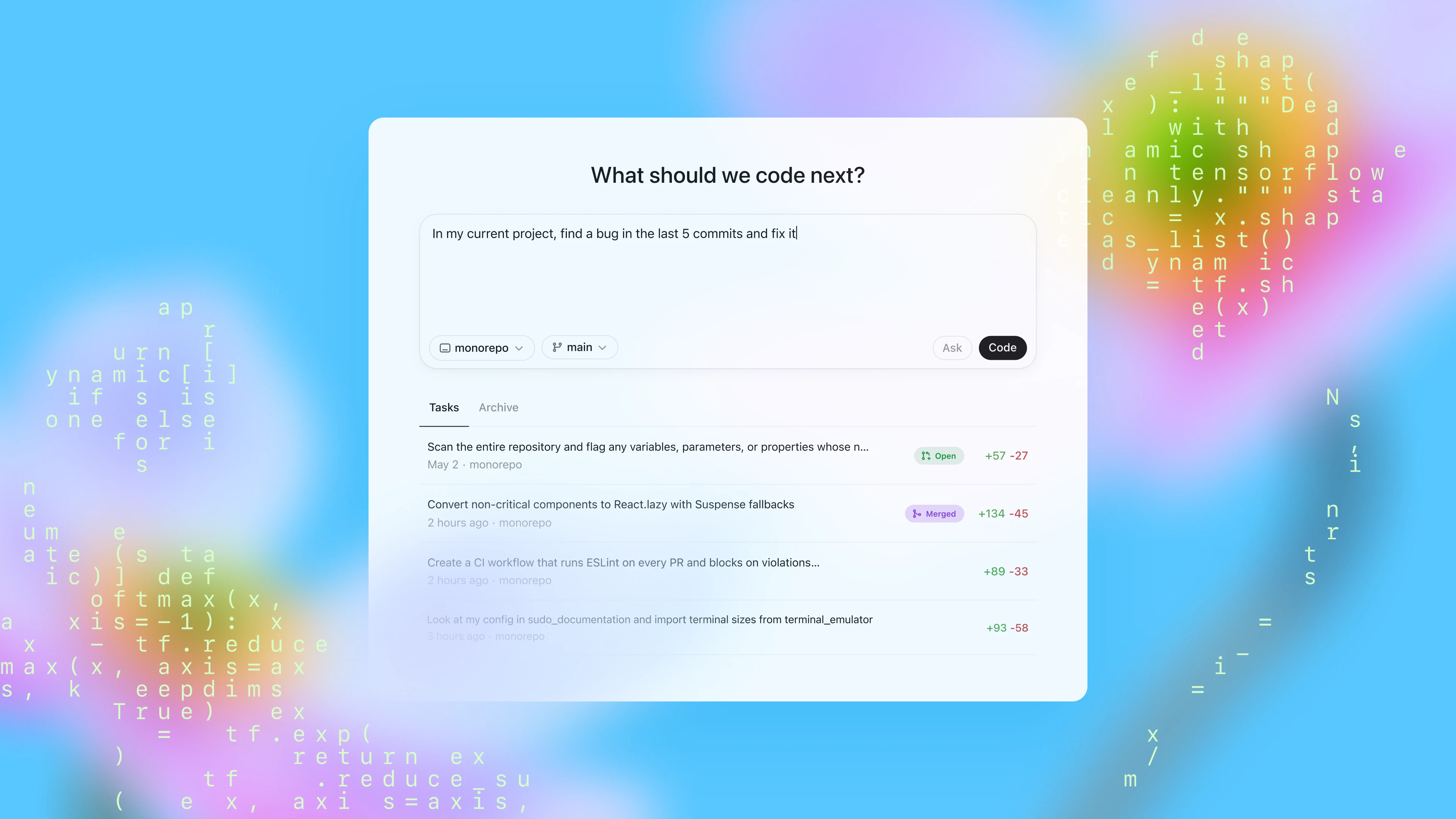
If your Codex CLI or Codex App already points to https://api.xairouter.com, you do not need a second integration path for subagents. subagents are Codex's own multi-agent orchestration layer, while api.xairouter.com stays the shared model endpoint underneath it. The parent agent and all child agents continue to use the same provider, the same Responses path, and the same authentication pattern.
This guide is based on the official OpenAI Subagents documentation and rewritten for the current XAI Router setup. Information in this article was checked against the official documentation on 2026-03-17.
If you have not connected Codex to XAI Router yet, start here:
Quick Summary (1 Minute)
- Codex subagents are available by default now. You do not need to enable an old feature flag first.
- Codex only spawns subagents when you explicitly ask for them. It does not silently create parallel agents on its own.
- Child agents inherit the parent session's provider, approval policy, and sandbox policy by default, so if the parent is using
api.xairouter.com, child agents stay onapi.xairouter.comtoo. - Custom agent files live in
~/.codex/agents/or.codex/agents/inside a project. The first is better for personal reuse; the second is better for team-shared repo workflows. - Subagents consume extra tokens. On day one, narrow roles and small thread counts are usually better than a few oversized "do everything" agents.
1) Reference Config for Codex + XAI Router + Subagents
Below is a ~/.codex/config.toml example that public users can copy as a starting point. It follows the current XAI Router recommendation and adds the [agents] section needed for subagents.
model_provider = "xai"
model = "gpt-5.4"
model_reasoning_effort = "xhigh"
plan_mode_reasoning_effort = "xhigh"
model_reasoning_summary = "none"
model_verbosity = "medium"
model_context_window = 1050000
model_auto_compact_token_limit = 945000
tool_output_token_limit = 6000
approval_policy = "never"
sandbox_mode = "danger-full-access"

[model_providers.xai]
name = "openai"
base_url = "https://api.xairouter.com"
wire_api = "responses"
requires_openai_auth = false
env_key = "XAI_API_KEY"

[agents]
max_threads = 4
max_depth = 1
job_max_runtime_seconds = 1800
If your Codex + XAI Router setup is already working, the only new part is usually this block:
[agents]
max_threads = 4
max_depth = 1
job_max_runtime_seconds = 1800
Environment variable example:
export XAI_API_KEY="your-key"What These Fields Mean
base_url = "https://api.xairouter.com": the provider root URL for Codex CLI / App.wire_api = "responses": Codex uses the native Responses path, which is the best baseline for Codex itself.model_reasoning_effort,plan_mode_reasoning_effort,model_reasoning_summary, andmodel_verbosity: you can keep your existing main-session settings. Subagents do not require a separate configuration style here.approval_policy = "never"andsandbox_mode = "danger-full-access": this gives the parent agent broad permissions, and child agents inherit that baseline by default. For review-only or audit-only subagents, it is better to explicitly setsandbox_mode = "read-only"in the agent file.max_threads = 4: limits concurrent agent threads to a small, observable number.max_depth = 1: allows the root session to spawn one child layer, which is enough for most real-world development tasks.job_max_runtime_seconds = 1800: sets an upper bound for a single child-agent run so one thread does not hang forever without producing anything useful.
One Easy Point to Mix Up
Inside Codex CLI / App config, you write:
base_url = "https://api.xairouter.com"But when you call the API directly with curl or an SDK, the request path should be:
https://api.xairouter.com/v1/responsesThe reason is simple: Codex config uses the service root URL, while direct HTTP calls use the full endpoint path.
2) You Can Start Using Subagents Without Custom Files
One important point in the official docs is that Codex only spawns subagents when you ask it to. In practice, the fastest way to start is not writing config files first. It is learning how to phrase the task clearly.
Example 1: Parallel Code Review
At the repository root, ask Codex:
Please split the review of the current branch against main into 3 parallel subagents:
1. Read-only: map the affected code paths and key files.
2. Read-only: find real correctness, security, and behavioral regression risks.
3. Read-only: identify test gaps and the boundary cases most likely to be missed.
Wait for all of them to finish, then summarize everything in English with file, risk, and recommendation for each finding.
Example 2: Parallel Incident Investigation
Please launch multiple subagents in parallel to investigate "login succeeds but the user is redirected back to the login page":
1. One read-only agent should map the login flow and critical state transitions.
2. One read-only agent should inspect recent changes for likely redirect-loop risks.
3. One read-only agent should propose the smallest viable fix and list the tests that should be added.
Wait for all of them to finish, then give me one final conclusion. Do not modify code yet.
Example 3: Auditing a Documentation Repository Like This One
If your repo looks like this site, where Codex config articles and curl examples live side by side, you can say:
Please split all content/blog articles that mention api.xairouter.com into multiple parallel subagents:
1. Check whether Codex CLI / App examples consistently use base_url = "https://api.xairouter.com".
2. Check whether direct API examples consistently use /v1/...
3. Check whether environment variable names are consistent.
4. Return the list of files that should be updated, but do not edit anything yet.
How to View Active Child Agents
In the CLI, you can use:
/agentThat lets you switch between and inspect active agent threads. You can also ask Codex directly to:
- stop a child agent
- continue a child agent
- close a finished child-agent thread
3) Turn Repeated Roles Into .codex/agents/*.toml
Once you notice that you keep repeating the same parallel workflow, it is time to turn that role into a custom agent.
Use the directories like this:
~/.codex/agents/: agents you want to reuse across many projects.codex/agents/: agents that belong to one repository and should be committed with the repo
According to the official docs, each custom agent file should define at least:
namedescriptiondeveloper_instructions
You can also add model, model_reasoning_effort, sandbox_mode, nickname_candidates, mcp_servers, and more.
Below is a set of examples that fit Codex + api.xairouter.com especially well.
1. Router Config Auditor
File: .codex/agents/router-config-auditor.toml
name = "router_config_auditor"
description = "Read-only audit of Codex and OpenAI-compatible config that should point to XAI Router."
model = "gpt-5.3-codex-spark"
model_reasoning_effort = "medium"
sandbox_mode = "read-only"
nickname_candidates = ["Relay Check", "Router Audit"]

developer_instructions = """
Only inspect model-integration related config. Do not modify any files.
Focus on:
- whether Codex CLI / App uses base_url = "https://api.xairouter.com"
- whether wire_api = "responses" is used
- whether direct HTTP examples use https://api.xairouter.com/v1/...
- whether env_key and environment-variable names are consistent
Always output: issue, impact, recommendation.
"""
2. Reviewer
File: .codex/agents/reviewer.toml
name = "reviewer"
description = "Read-only review for correctness, security, regressions, and missing tests."
model = "gpt-5.4"
model_reasoning_effort = "high"
sandbox_mode = "read-only"

developer_instructions = """
Review changes like a code owner.
Prioritize:
- correctness issues
- security risks
- behavioral regressions
- missing tests
Lead with findings and evidence. Do not drift into style-only commentary.
"""
3. Docs Researcher (Optional)
File: .codex/agents/docs-researcher.toml
name = "docs_researcher"
description = "Read-only verification of official OpenAI docs and API behavior."
model = "gpt-5.3-codex-spark"
model_reasoning_effort = "medium"
sandbox_mode = "read-only"

developer_instructions = """
Do documentation verification only. Do not modify code.
Prioritize API details, config names, version behavior, and terminology accuracy.
Keep output concise and provide precise sources when possible.
"""

[mcp_servers.openaiDeveloperDocs]
url = "https://developers.openai.com/mcp"
If your routing policy does not expose gpt-5.3-codex-spark, just change those lighter audit agents to gpt-5.4. If you want them to fully follow the parent session, remove the model field entirely.
4. How to Call Them
After these custom agent files are ready, you can tell Codex:
Please review the current branch and use these subagents in parallel:
- router_config_auditor: check all config and examples related to XAI Router / Codex integration
- reviewer: find real risks and missing tests
- docs_researcher: verify the OpenAI Codex / Subagents behavior this article depends on
Wait for all of them to finish, then return one English report ordered by severity.
This is usually more reliable than asking one agent to read code, verify docs, and audit config all at once.
4) The 4 Workflows That Fit api.xairouter.com Best
1. PR Review
This is a strong fit for:
- one set of agents that only maps the change surface
- one set of agents that only looks for real risk
- one set of agents that only focuses on testing gaps
The main benefit is less context contamination. Each agent focuses on one narrow slice.
2. Incident Investigation
Split "reproduce the issue", "trace the execution path", and "propose the smallest fix" into separate parallel tasks. That is usually cleaner than letting one agent guess, edit, and re-guess inside one long mixed thread.
3. Configuration Governance
If your project maintains:
- Codex CLI / App config
- OpenAI SDK examples
curlexamples- multiple integration articles
then subagents are useful for consistency checks such as:
- whether
base_urlis correct - whether
/v1appears only in direct HTTP examples - whether
XAI_API_KEYandOPENAI_API_KEYare used consistently
4. Keeping Docs and Code in Sync
This is the type of work that is easy to miss. Code changes, but docs do not. Or docs are updated, but the api.xairouter.com path is written incorrectly. A dedicated docs-verification agent is usually more reliable than asking a coding agent to "also glance at the docs."
5) What Subagents Do vs. What the Router Does
This distinction matters. If you blur the two together, the article becomes confusing and the configuration becomes easier to misread.
subagents handle task decomposition and orchestration
They answer questions like:
- what can run in parallel
- what each child agent should do
- who should aggregate the result
- which child agent should stay read-only and which one can edit code
api.xairouter.com handles the shared model access layer
It answers questions like:
- where Codex reaches the model
- how authentication is handled
- how the Responses-compatible path is exposed
You can think of them like this:
subagents = Codex's local collaboration mechanism
api.xairouter.com = the shared upstream model endpoint used by all agents
That is why you usually do not need a separate key or a separate base URL for each child agent.
6) Cost and Permission Guidance
Subagents are powerful, but they are also easy to overuse.
Rule 1: Start With a Small Thread Count
A good starting point is:
[agents]
max_threads = 3
max_depth = 1
Once your prompting pattern is stable, increase it gradually.
Rule 2: Make Review Agents Read-Only by Default
For roles like reviewer, router_config_auditor, and docs_researcher, there is usually no reason to write files. Set them to:
sandbox_mode = "read-only"That still helps even if your main session already uses:
approval_policy = "never"
sandbox_mode = "danger-full-access"
because it lets you lock specific child agents into a safer boundary.
Rule 3: Do Not Start With a "Universal Agent"
One of the most important ideas in the official examples is: narrow roles, strong constraints, less drift.
Instead of building one agent that "does everything," split the work into:
- code-path mapper
- risk reviewer
- docs verifier
- small-fix agent
Rule 4: Expect Higher Token Usage
Subagents trade more parallel context for cleaner division of labor. That is often worth it for complex tasks, but not necessarily for tiny jobs like changing one sentence.
7) Advanced: Batch-Checking a List of Files
The official docs also mention patterns like spawn_agents_on_csv. This is useful when one CSV row maps to one repeated work item.
For a documentation site like this one, the most direct use case is batch-checking whether integration articles stay consistent. For example:
First generate /tmp/router-docs.csv with columns path,kind.
Add one row for each content/blog article that mentions api.xairouter.com.
Then call spawn_agents_on_csv with:
- csv_path: /tmp/router-docs.csv
- id_column: path
- instruction: "Check whether the api.xairouter.com integration in {path} is consistent for {kind}. Return path, risk, summary, follow_up."
- output_csv_path: /tmp/router-docs-review.csv
If this is your first time using subagents, get the normal parallel workflow stable first. Then add batch mode later if you still need it.
Conclusion
For users already running Codex through api.xairouter.com, the most important thing to understand about subagents is this: it is not a new integration path. It is an orchestration layer on top of the integration you already have.
The most practical rollout usually looks like this:
- Keep Codex stably connected to
https://api.xairouter.com - Try two or three parallel workflows in plain language first
- Turn your repeated high-value roles into
.codex/agents/*.toml
That gives you something more useful than "more AI." It gives you a workflow that is better aligned with how real repositories are maintained.
If you are still working through the base setup, continue here: