Codex Goals Guide: Why `/goal` Is Stronger Than Saying 'Keep Going'
Posted May 19, 2026 by XAI Tech Team ‐ 9 min read
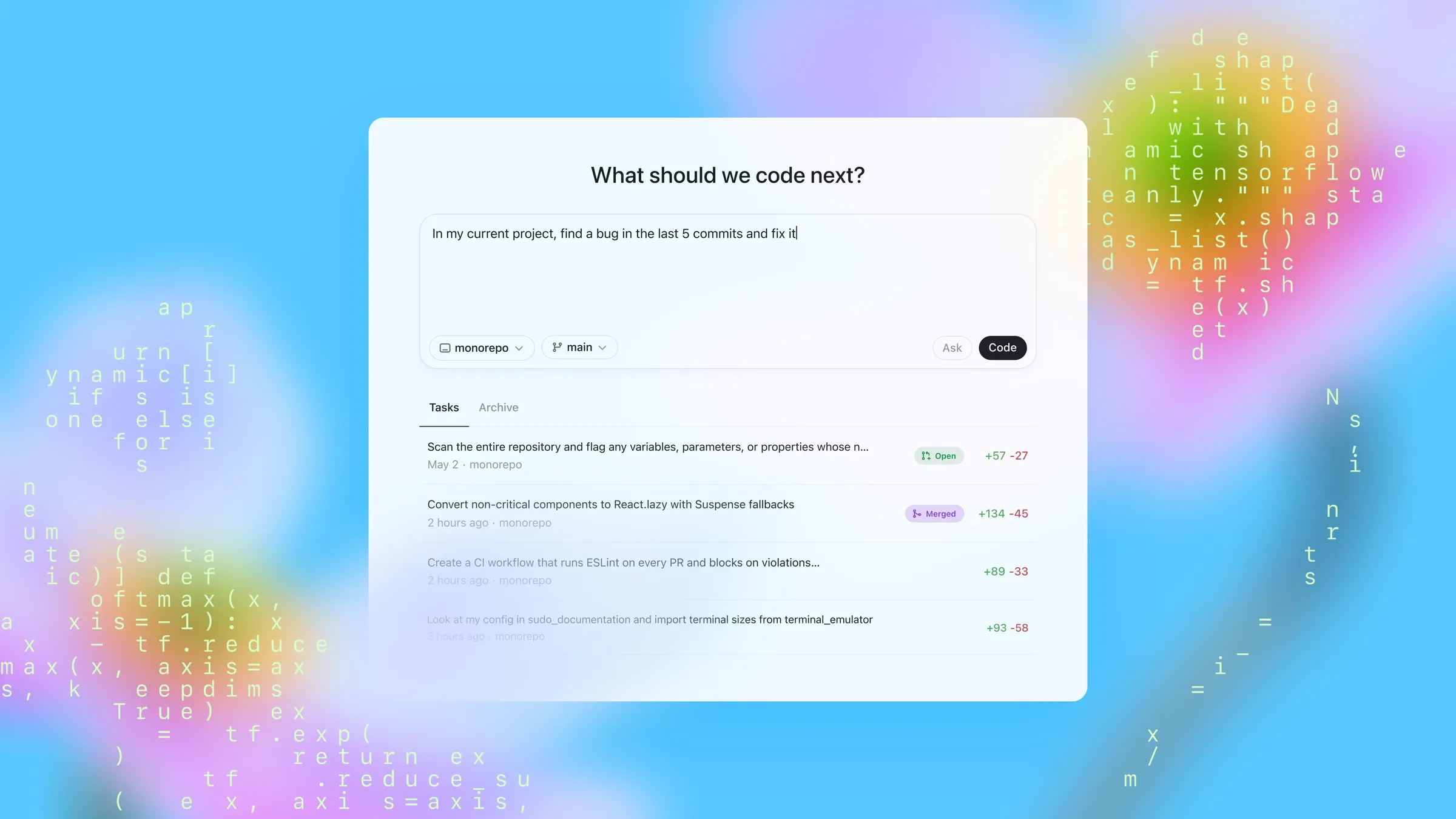
When people use Codex for larger tasks, they often end up repeating the same instructions:
- keep going
- try the next plausible fix
- run the benchmark again
- check the tests now
- do not stop until this is actually done
OpenAI's official article Using Goals in Codex turns that pattern into a first-class mechanism: /goal.
The point is not to make Codex "more autonomous" in a vague sense. The point is to give Codex a durable completion target that can be checked, paused, resumed, and evaluated against evidence while the thread continues.
Using Goals in Codex and the official Codex CLI documentation, checked on 2026-05-19. Commands, version details, and feature boundaries below follow the official docs as of that date.Quick Summary
/goalis not just a stronger prompt. It is a persistent completion contract.- It works best when the finish line is clear but the path is not, such as performance tuning, flaky test debugging, migrations, bug hunts, refactors, and research tasks.
- OpenAI documents Goals as available starting in Codex
0.128.0. /goalis currently an experimental CLI feature and requiresfeatures.goals.- A strong Goal should define six things: outcome, verification, constraints, boundaries, iteration policy, and blocked stop conditions.
- Completion must be evidence-based. Codex should not stop just because it feels done.
What a Goal actually is
OpenAI describes a Goal as durable task state inside Codex.
In plain English, that means:
a Goal is not "what should happen next." It is "what must become true before we can honestly stop."
A normal prompt looks like this:
Fix this test.A Goal looks more like this:
/goal Make the checkout tests pass on the current branch without changing public API behaviorThe difference is not just length. It is a different control model.
Goals vs prompts
OpenAI's own mental model is simple:
Prompt: ask -> work -> result -> wait
Goal: work -> check -> continue or complete
With a normal prompt, Codex handles the immediate request, reports back, and waits.
With a Goal, Codex finishes a turn and then asks a different question:
is the objective actually satisfied yet?
If the answer is no, and the Goal is still active and within budget, Codex can continue from the latest evidence.
That is why Goals are especially useful for work where the next move depends on what Codex just learned:
- run the tests, then decide the next fix
- run the benchmark, then decide where to optimize
- reproduce the bug, then decide whether the fix theory still holds
When to use /goal
The official guidance is practical:
use a Goal when the task has a clear finish line but an uncertain path.
Good candidates
OpenAI's examples include:
- performance optimization
- flaky test investigation
- dependency migration
- bug hunts that require reproduction first
- multi-step refactors
- benchmark-driven tuning
- research tasks that need a final artifact
Poor candidates
If the task is a one-off edit, a normal prompt is usually better:
- rewrite a paragraph
- add a small comment
- explain a function
- fix one obvious issue
The fast rule of thumb is:
- one turn is enough: use a prompt
- you need work, check, continue, and re-check: use a Goal
How to enable and use /goal
According to the official CLI docs, /goal is currently experimental. As documented today, it is primarily presented as a Codex CLI slash command, so this guide also explains it from the CLI point of view.
1. Confirm your version
The official cookbook page says Goals are available starting in Codex 0.128.0.
If you use the CLI, update and check your version:
npm install -g @openai/codex@latest
codex --version
Or:
brew update
brew upgrade codex
codex --version
2. Enable the goals feature
The official slash-command docs give two paths:
- enable it from
/experimental - or add this to
config.toml
[features]
goals = true
3. Use the command surface
The documented command set is straightforward:
/goal <objective>   set a goal
/goal               view the current goal
/goal pause         pause it
/goal resume        resume it
/goal clear         clear it
For example:
/goal Reduce p95 latency below 120 ms without regressing correctness testsThe official docs also define two boundaries:
- the objective must be non-empty
- it must be at most
4000characters
If the objective is longer, OpenAI recommends putting the details in a file and pointing the Goal at that file.
What makes a strong Goal
This is the most useful part of OpenAI's article.
The main point is:
a good Goal is not a longer prompt. It is a compact work contract.
The strongest Goals usually define six things:
- Outcome: what should be true when the work is done
- Verification surface: how completion will be checked
- Constraints: what must not regress
- Boundaries: what files, tools, systems, or data are in scope
- Iteration policy: how Codex should decide what to do after each round
- Blocked stop condition: how it should stop when no defensible path remains
Those six parts solve the main failure modes of long-running AI work:
- not knowing what "done" really means
- breaking something else while chasing the target
- spinning or guessing instead of stopping honestly
A reusable Goal template
You can rewrite the official pattern into something like this:
/goal <desired outcome>, verified by <evidence>, while keeping <constraints> intact.
Use only <allowed files/tools/boundaries>.
After each iteration, decide the next step based on <iteration policy>.
If blocked or if no defensible path remains within the current limits, stop and report <attempted paths>, <evidence>, <blocker>, and <next input needed>.
Turning a weak Goal into a strong one
This contrast is central to the official article.
Weak
/goal Improve performanceWhy it is weak:
- no measurable target
- no verification surface
- no constraints
If Codex improves latency from 180 ms to 135 ms, it still cannot know whether it should stop.
Strong
/goal Reduce p95 checkout latency below 120 ms on the checkout benchmark while keeping the correctness test suite greenNow the Goal includes three critical things:
- outcome: p95 below 120 ms
- verification: the checkout benchmark
- constraint: correctness tests must stay green
And if you want a fuller version, the article's logic supports something like this:
/goal Reduce p95 checkout latency below 120 ms, verified by the checkout benchmark, while keeping the correctness suite green. Use only the checkout service, benchmark fixtures, and related tests. Between iterations, record what changed, what the benchmark showed, and the next best experiment to try. If the benchmark cannot run or no valid paths remain, stop with the attempted paths, the evidence gathered, the blocker, and the next input needed.That is no longer "keep optimizing." It is an auditable objective.
What changes when a Goal is active
OpenAI's article highlights three changes.
1. The objective stays visible
If Codex runs a test and it fails, the original finish line still exists in the thread.
The task does not collapse just because one attempt failed.
2. An idle thread can continue
Once a Goal is active, Codex does not have to stop after one turn. If the thread is idle, no new user input is queued, no other work is pending, the Goal is active, and the budget still allows progress, Codex can continue.
An important nuance in the official architecture is that this is deliberately conservative, not an infinite loop.
OpenAI says continuation is only checked at safe boundaries, such as:
- after a turn has finished
- when the thread is idle
- when no user input is queued
- when no other thread work is pending
3. Completion must be evidence-based
This is probably the most important rule in the whole design:
a Goal should not complete because the model thinks it is probably done.
Completion should be checked against concrete evidence such as:
- changed files
- commands run
- test results
- benchmark output
- generated artifacts
- research evidence
So the real value of Goals is not just continuation. It is continuation tied to evidence.
A Goal is thread-scoped, not global memory
OpenAI stresses a design boundary that matters a lot:
a Goal is persisted thread state, not global memory and not project-wide instruction state.
That means:
- it belongs to the current thread
- it travels with that thread's context
- it depends on the files, commands, logs, diffs, and reasoning trail accumulated there
This avoids a common misunderstanding:
a Goal is not a way to make Codex "remember something forever." It is a way to keep one thread aligned to one completion standard.
The more accurate mental model is:
Goal = a durable completion contract inside the current threadNot:
Goal = permanent global memoryFour common mistakes
1. Writing a slogan instead of a Goal
For example:
/goal Improve the systemThat is too vague to validate and too vague to stop correctly.
2. Naming a result without naming verification
If you say "make performance better" without saying which benchmark matters, Codex has no reliable finish line.
3. Forgetting constraints
If you only say "make the tests pass" but do not say "without changing public API behavior," Codex may reach a result you do not actually accept.
4. Omitting a blocked stop condition
Many people write the equivalent of "keep going until finished" but never define what should happen when progress is no longer defensible.
That creates two bad outcomes:
- stopping too early
- or spinning without new evidence
The official article is clear here: a Goal should define how to stop and report honestly when no valid path remains.
Three Goal examples you can reuse
1. Performance tuning
/goal Reduce p95 latency below 120 ms on the checkout benchmark while keeping the correctness suite green2. Flaky test investigation
/goal Make the checkout test suite pass on the current branch without changing public API behavior. Verify with the current test suite and failure logs. Use only the checkout service, related tests, and local reproduction steps. If no defensible fix remains, stop with attempted fixes, evidence, blocker, and the next input needed.3. Documentation output
The official article also includes a very practical documentation-style example:
/goal Produce a docs page for Goals that explains the lifecycle, command surface, and two examples. Verify that the page builds locally and that all referenced commands match the current CLI behavior.That example matters because it shows Goals are not only for code changes. As long as the task has:
- a concrete outcome
- a verification surface
- clear boundaries
it can also apply to docs, reports, research, and other multi-step deliverables.
If you are not sure how to write one, ask Codex to draft it
The official article suggests a very practical move:
- describe the task in plain language
- ask Codex to rewrite it as a strong Goal
For example:
Help me turn this into a strong `/goal`: I want Codex to keep working on this flaky checkout test until we either fix it with evidence or can clearly explain what is blocking progress.That works well because the hardest part is often not the work itself. It is defining what completion means.
Let Codex draft the structure first, then refine:
- success condition
- verification surface
- constraints
- blocked stop condition
That is usually more reliable than improvising the whole Goal from scratch.
Final thought
If I had to summarize OpenAI's design in one sentence, it would be this:
a prompt tells Codex what to do next, while a Goal tells Codex what must be true before it can honestly stop.
What makes /goal powerful is not just "automatic continuation." It is the combination of:
- durable objective state
- thread-level scope
- evidence-based completion
Once you understand those three pieces, /goal stops being just another command and starts becoming one of the most useful tools in Codex for larger, multi-step work.
Related links:
- OpenAI cookbook: https://developers.openai.com/cookbook/examples/codex/using_goals_in_codex
- OpenAI CLI slash commands: https://developers.openai.com/codex/cli/slash-commands